Features
Everything for a shot, from rough to final.
Animoid covers the whole job: drawing, timing, rigging, motion and export.
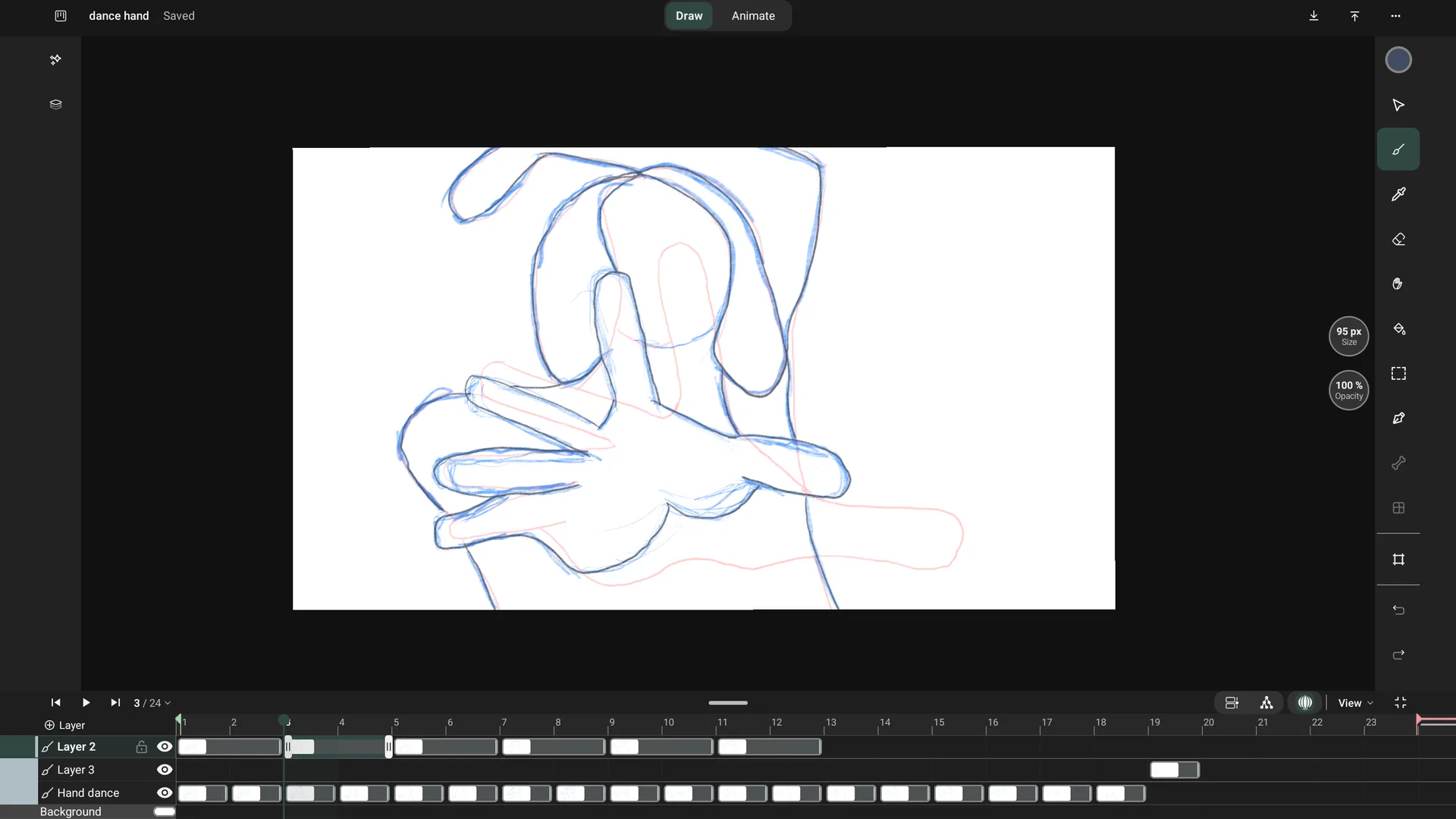
Frame-by-frame animation
Drawings sit on a timeline with exposures you can stretch and move. Onion skin shows the drawings either side, and a longer or shorter drawing pushes the rest along.
Read the guide →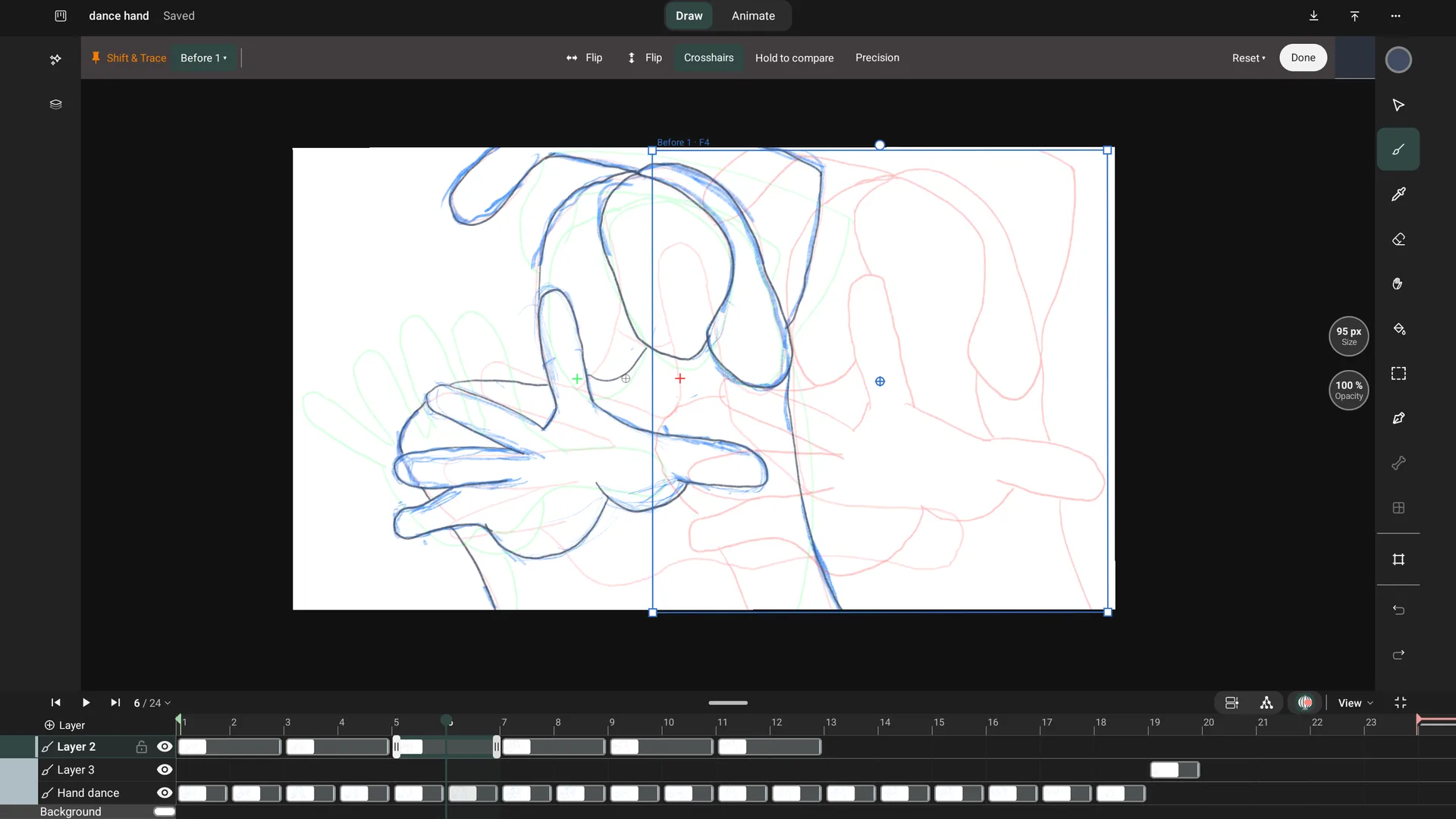
Shift & Trace and the Light Table
Move, rotate and scale an onion-skin drawing to trace an in-between, then put it back with one tap. Pin reference drawings on the Light Table.
Read the guide →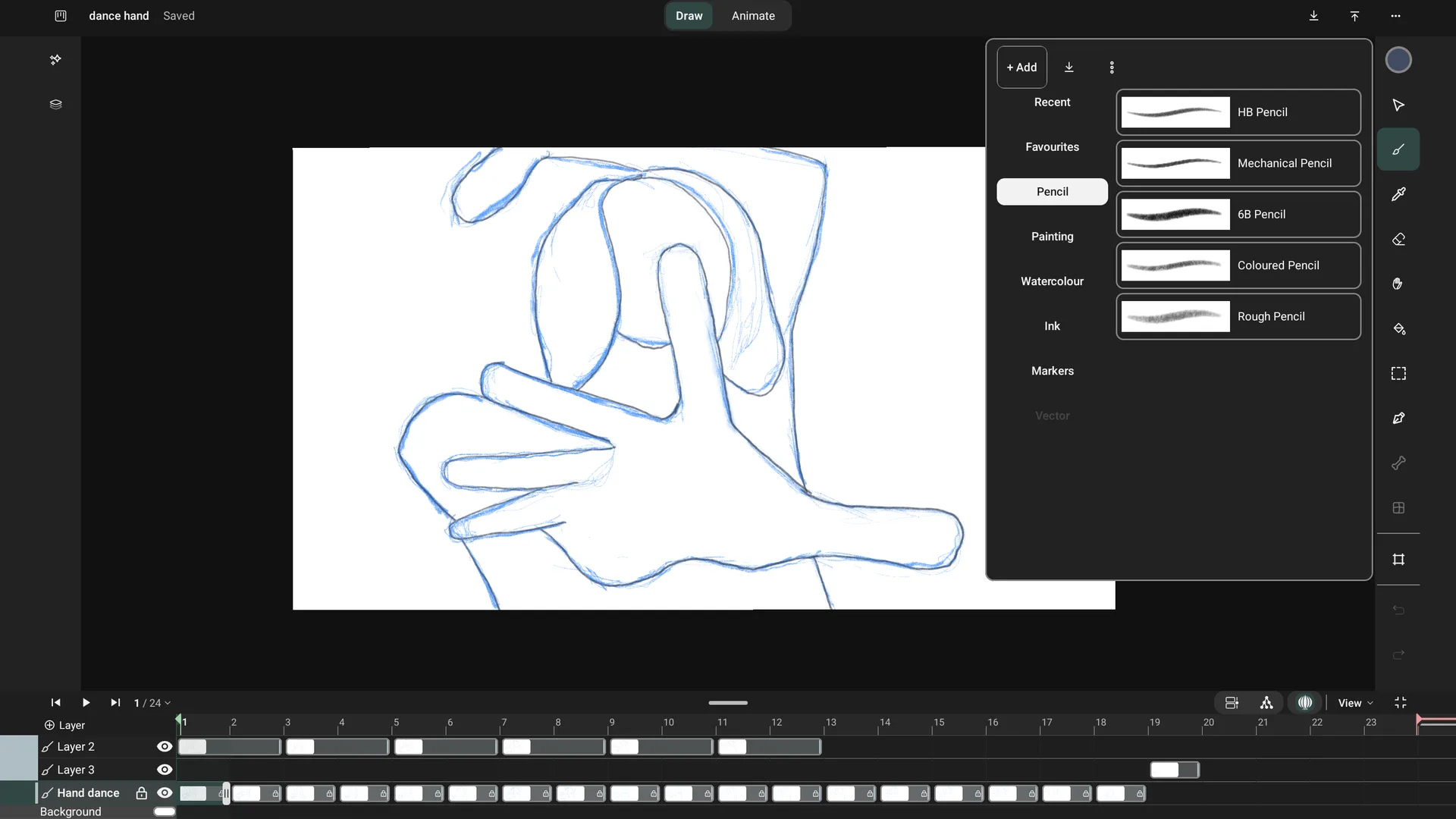
Pencils, inks and paint
Pressure and tilt-aware pencils, tapered inks, soft brushes and erasers. Make your own in the brush editor.
Read the guide →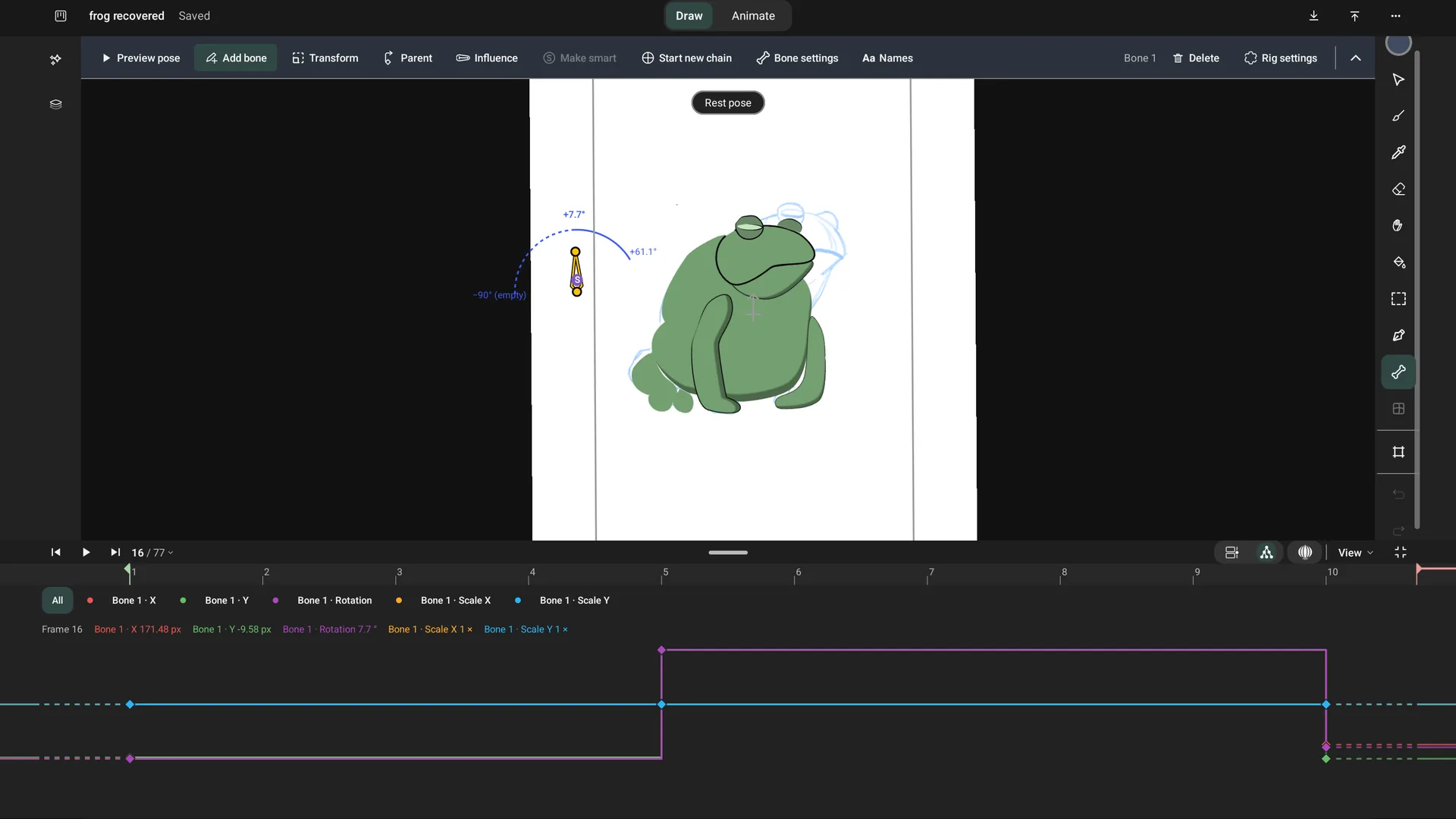
Bones and smart bones
Bend pixel and vector drawings with bones. Smart bones drive actions like a blink or a mouth shape, IK chains pose limbs, and Mesh layers warp a drawing where bones can't.
Read the guide →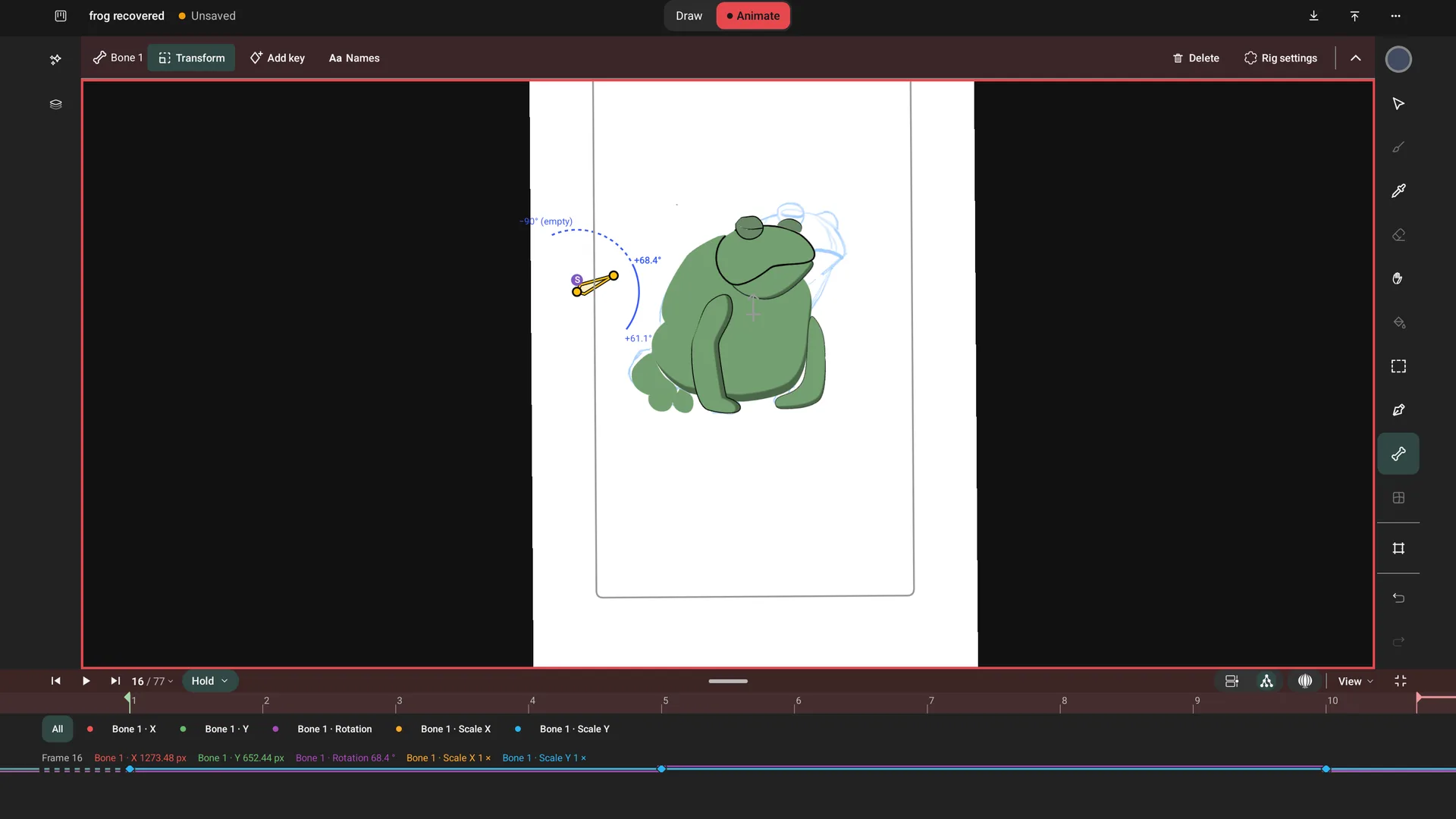
Keys, easing and the Graph editor
In Animate every change makes a key. Choose easing per key, fine-tune curves in the Graph editor, and frame the shot with a camera.
Read the guide →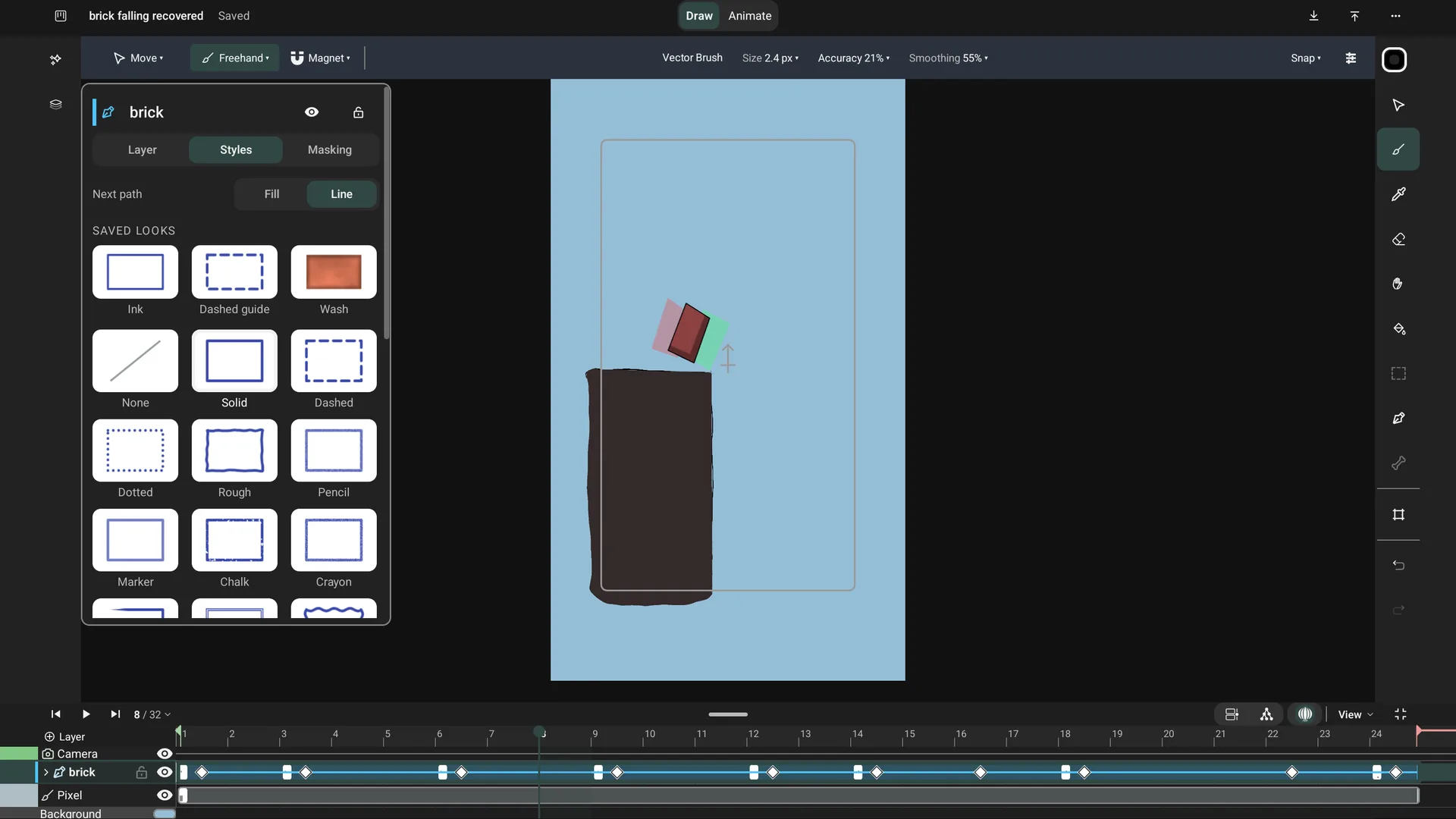
Vector drawing and morphing
Draw vector lines that stay editable, give them line and fill styles, and morph a shape from one pose to the next.
Read the guide →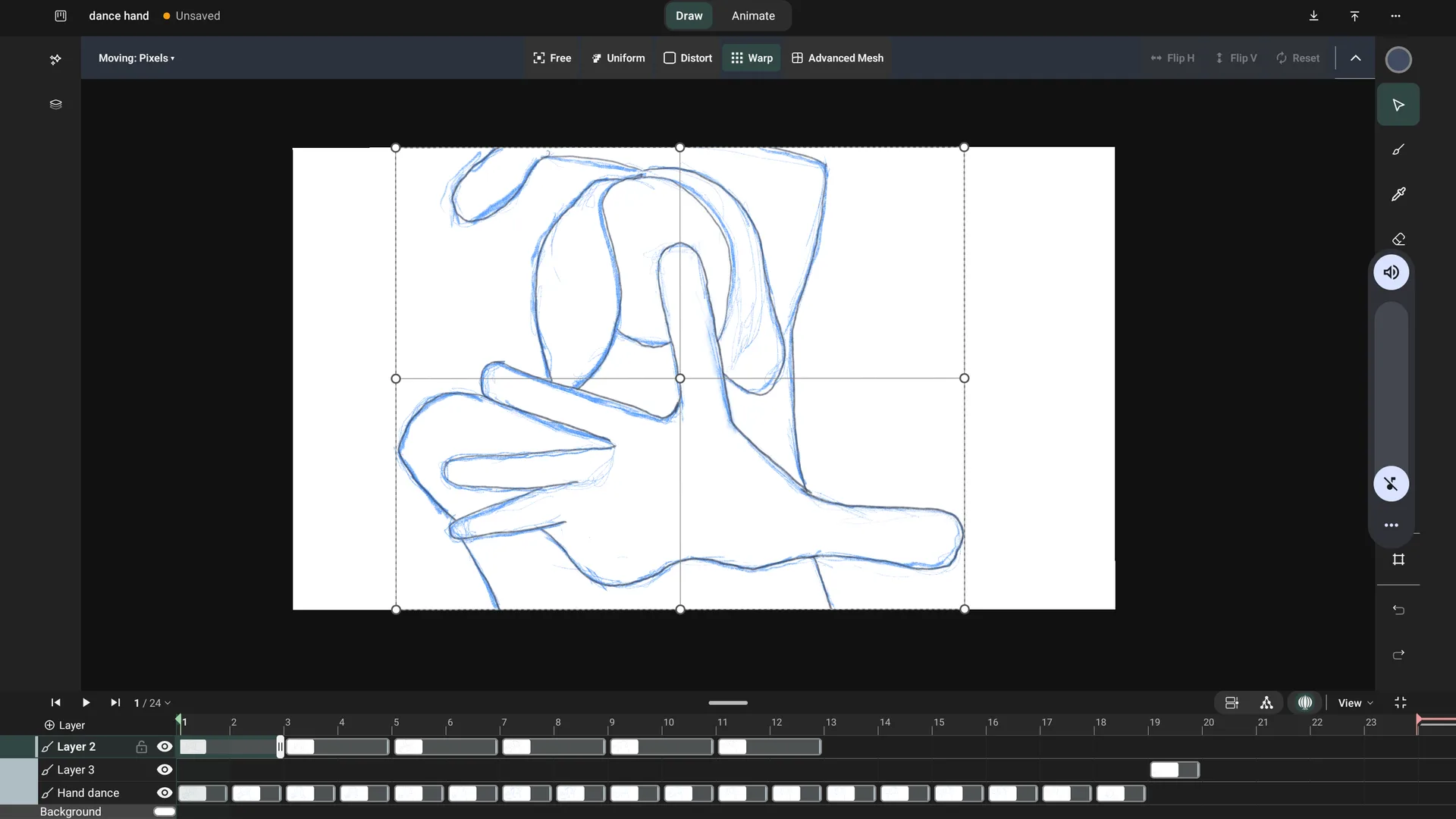
Select, transform and warp
Fix a drawing without redrawing it: select, move, scale, rotate, Warp or Perspective.
Read the guide →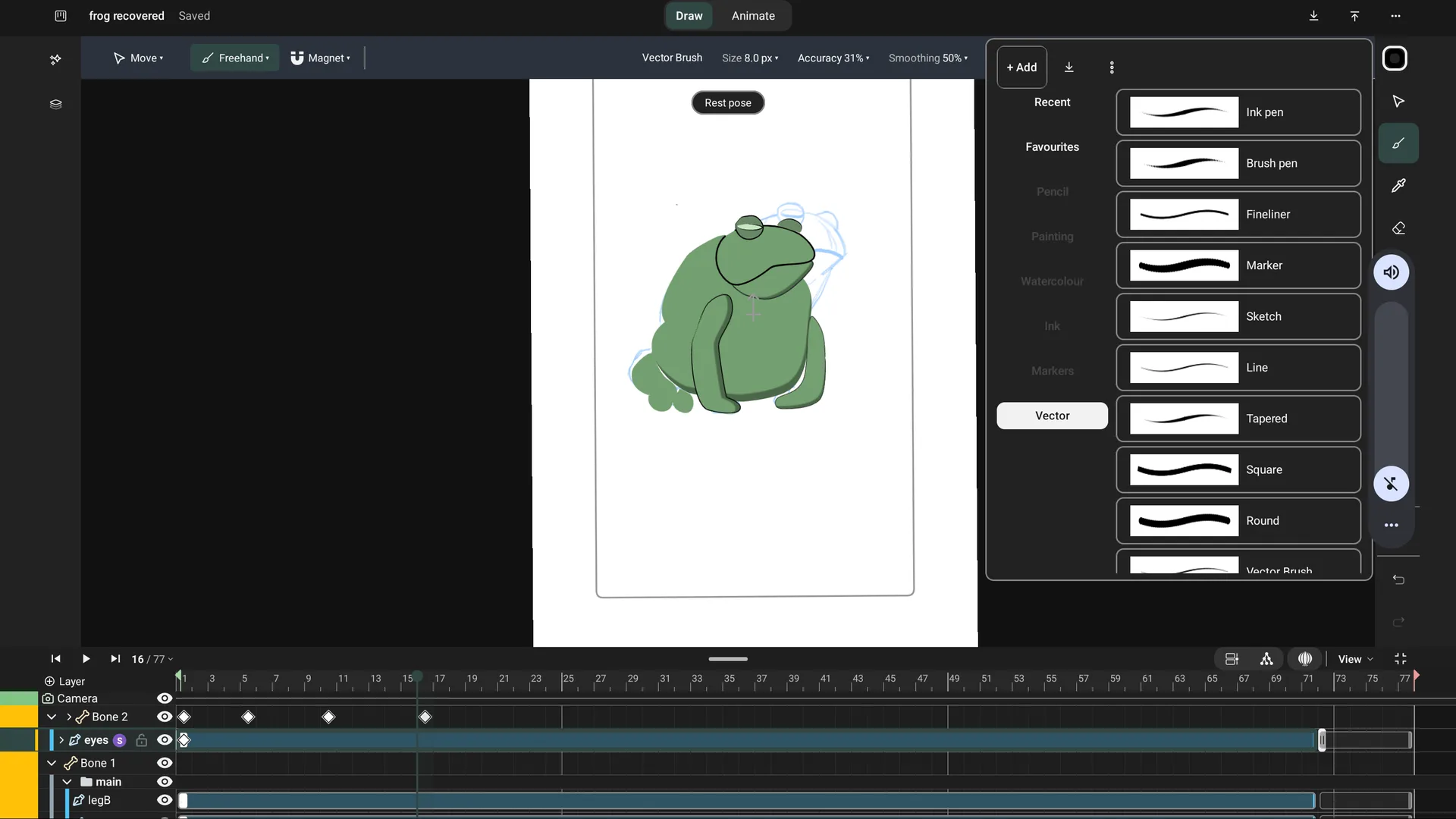
More
Also in Animoid
- Scene Clips you can reuse across shots
- Switch layers for swapping drawings
- Masks and clipping
- Effects
- A camera with keys
- Keyboard shortcuts
- Export to MP4, MOV (with transparency), PNG sequence and OCA
Documentation